Eliminate advertising on Steam
Date Posted: 24-01-2026
By default, the steam client has a number of ways to push you towards buying new games, not exactly a surprise since they are primarily a videogame storefront and distributor, however the adverting can still get annoying when all you want to do is play the games you already have. I've made this post to be a summary of all the ways you can reduce and/or eliminate steam promotional material.
The Promotions Popup
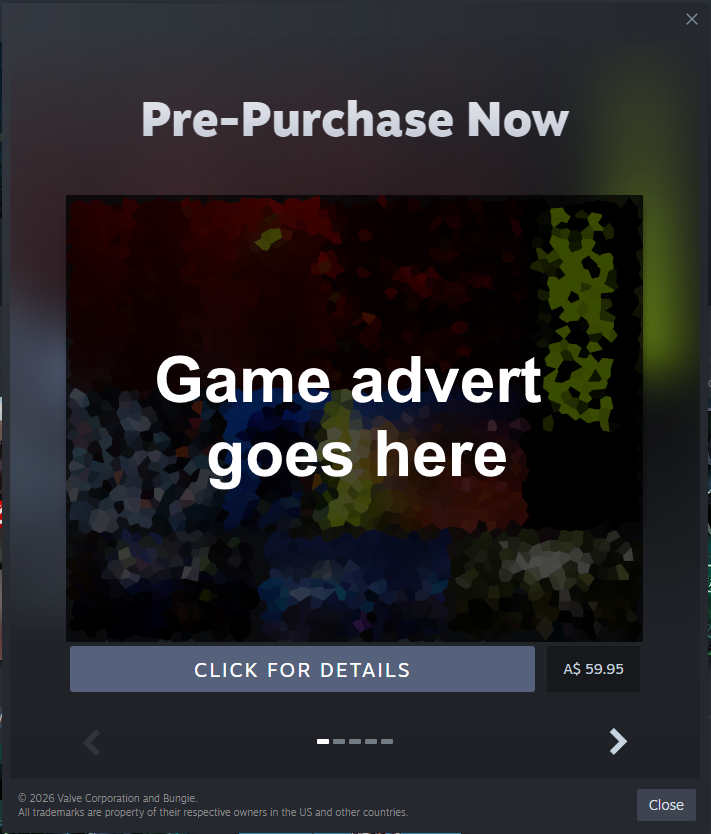
You know that popup that appears everytime steam launches? You can switch it off!
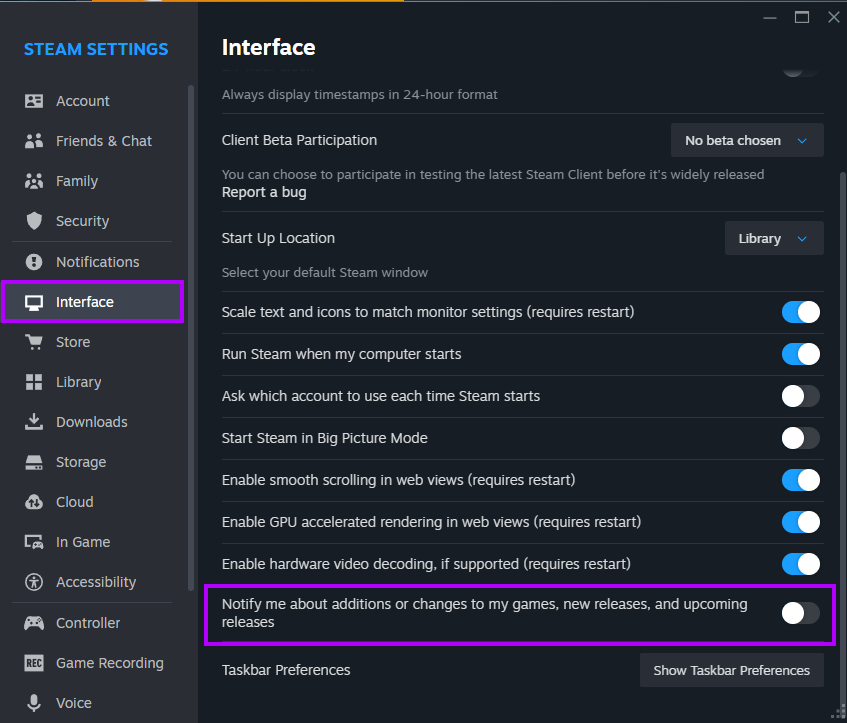
Steam -> Settings -> Interface -> "Notify me about additions or changes to my games, new releases, and upcoming releases"
Startup Location
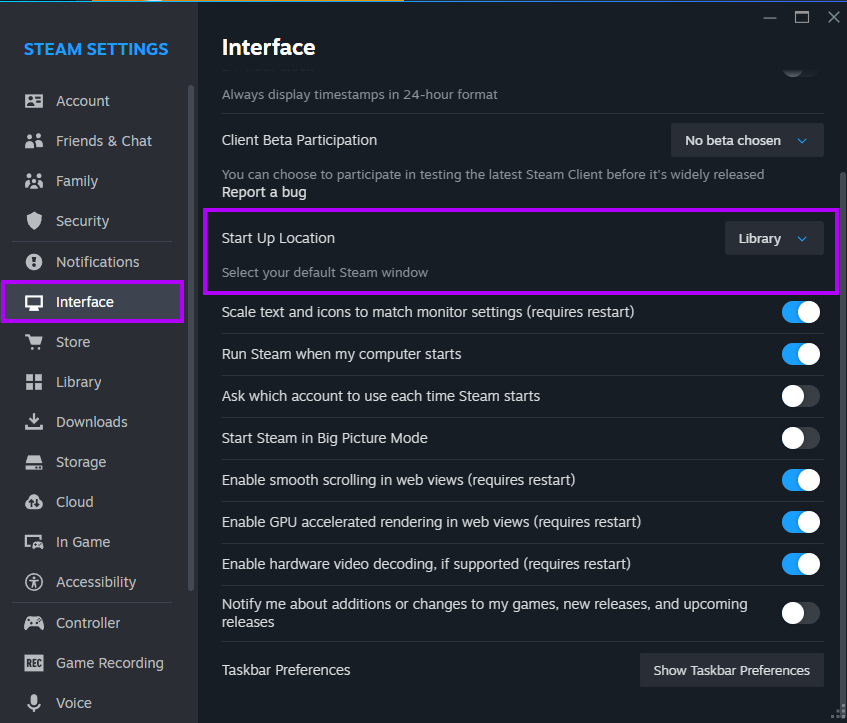
By default, steam opens to the store page, wouldn't it be more useful if it opened to your library?
Steam -> Settings -> Interface -> "Start Up Location" (Change to Library)
What's New Promotions
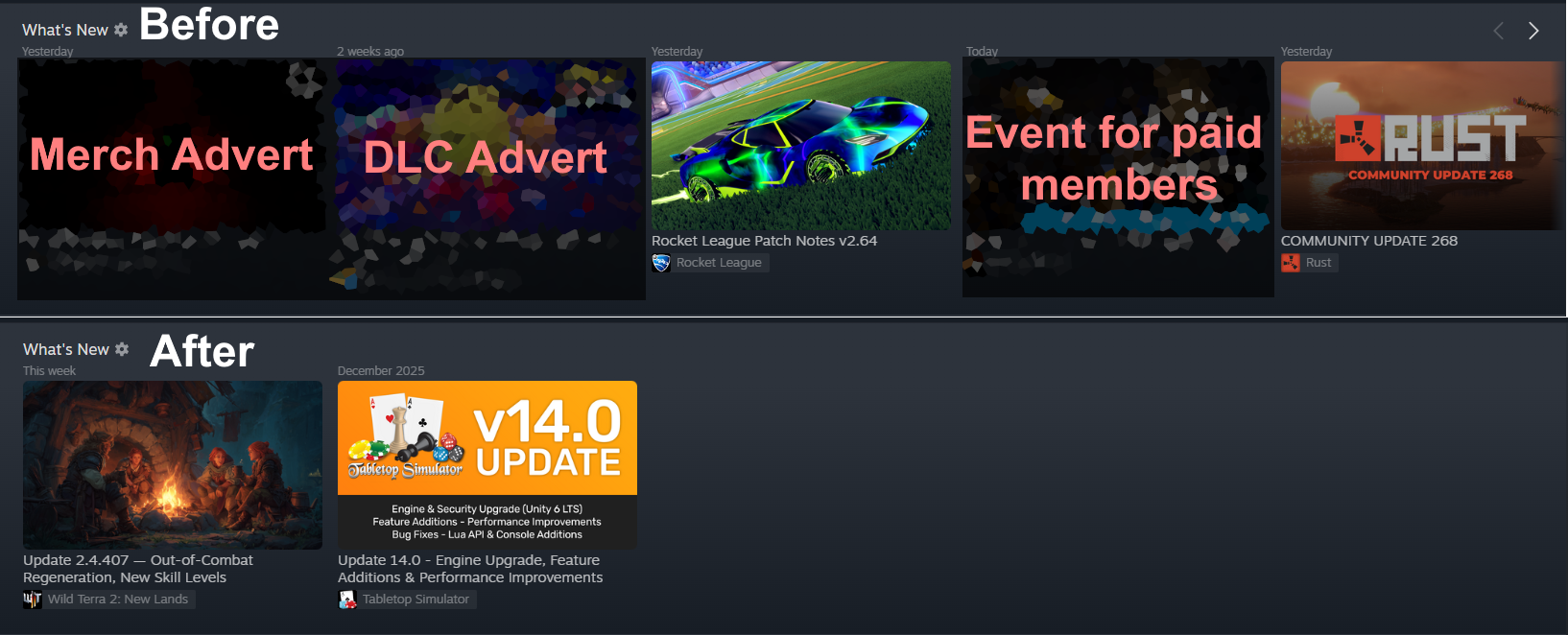
At the top of the library there is a What's New panel that often shows alot of promotions - albeit from developers themselves rather than from steam but still, if you want to limit it to only patch notes theres a handy setting, However, it is worth noting this setting is quite senstive and will also affect patch notes with any mention of promotional material aswell as posts which are both non-promotional and non-patch notes (for example community update posts)
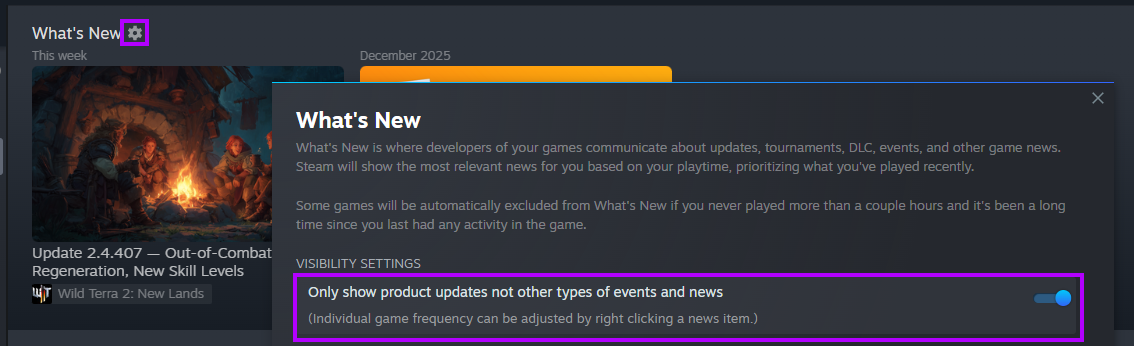
Library Tab -> What's New (Cog icon) -> "Only show product updates not other types of events and news"
Emails
Steam has many different categories of promotional emails, your preferences can be managed from:
Steam -> Settings -> Account -> Account Details -> Manage Email Preferences
Below are the main advertising related options, switch off those which you don't want
- A discount is applied to an item on my wishlist.
- An item on my wishlist has released (including full release or Early Access), or has transitioned from Early Access to full release.
- A demo for an item on my wishlist has released.
- A Greenlight submission I followed or favorited is released (including full release or Early Access), or has transitioned from Early Access to full release.
- A publisher or developer I followed has released (including full release or Early Access), or has transitioned from Early Access to full release.
- A publisher or developer I followed has released a demo.
- A seasonal promotion is beginning.
- A Steam sponsored Theme fest and sale is beginning.
- Steam Next Fest is beginning. This occurs three times a year, celebrating upcoming games with free demos.
Steam Notifications
Steam also displays notifications while the client is running, they can be configured from:
Steam -> Settings -> Notifications
These are the options most related to game promotions:
- Steam Notifications: An item on my Wishlist is on sale
- Steam Notifications: There's a major sale
- Friend Notifications: When a friend joins a game
Small Mode
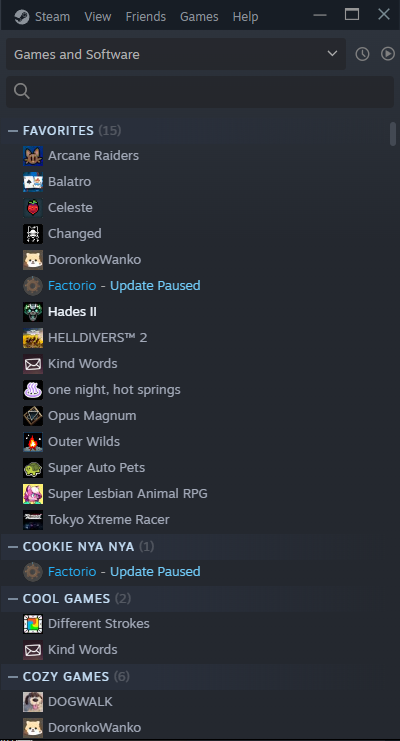
If you mostly only use steam as a game launcher and are not very interested in the rest of the features of the client, you might find Small Mode useful. This option hides everything except the library games list for a minimalist and advertising free client
View -> Small Mode